CommandPoint Field
Field production connected to the full project.
A mobile workspace built for utility construction crews. Receive assigned jobs, work from authorized units, map installed production, place structures, capture evidence, and submit a complete daily record without exposing the rest of the organization.
Available to licensed CommandPoint organizations.
Product Examples
A field workflow crews can use without carrying the entire back office.
Each screen stays focused on the next field action while preserving the project, unit, location, and evidence needed by PMO, construction management, finance, and the customer record.
01
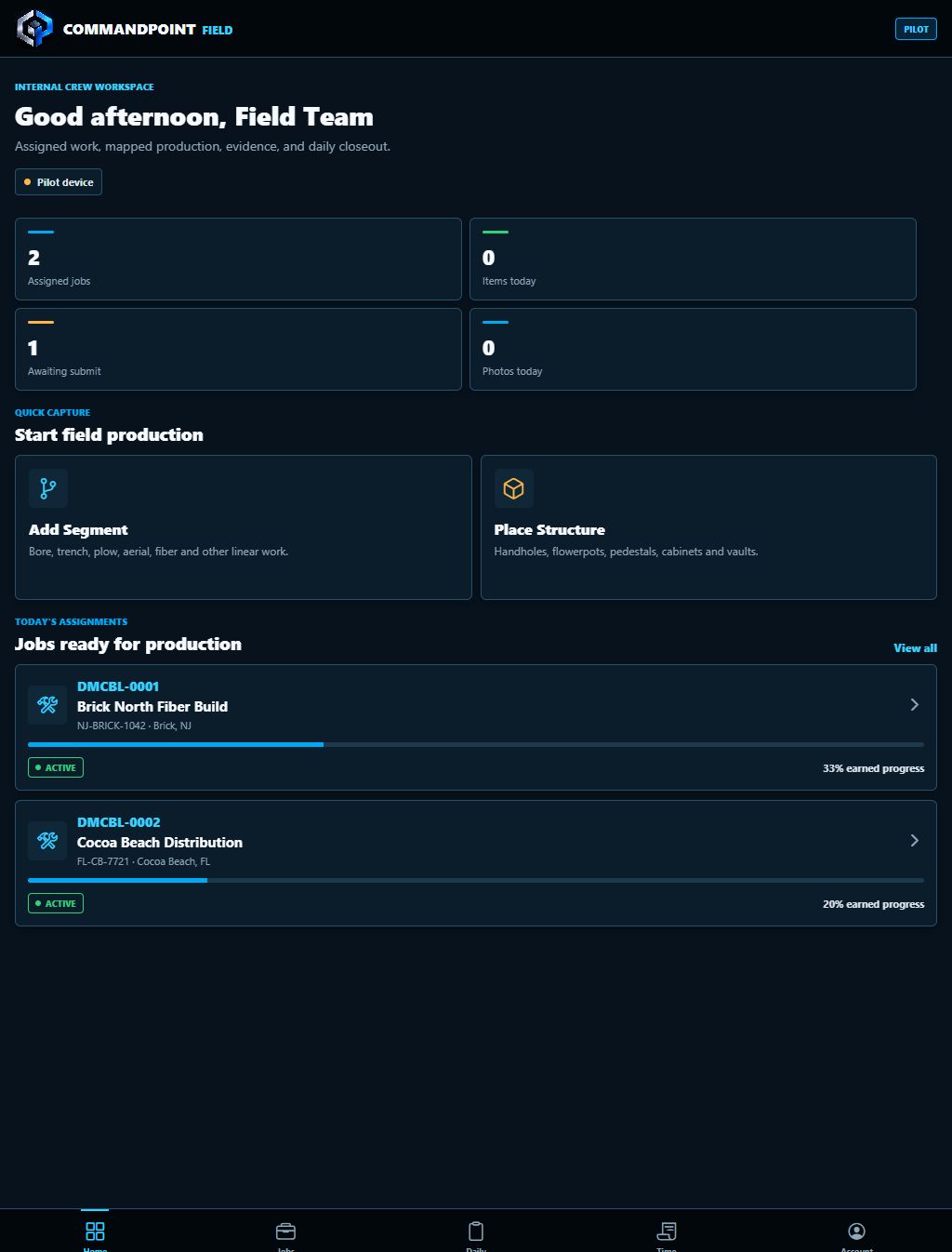
Start With Assigned Work
The crew sees the jobs ready for production.
Internal crews and approved partners start with a focused list of assigned projects. Quick actions make it easy to add linear production or place a structure from the same workspace.
- Project ID, location, status, and earned progress
- Quick capture for segments and structures
- Daily workload and closeout visibility
02
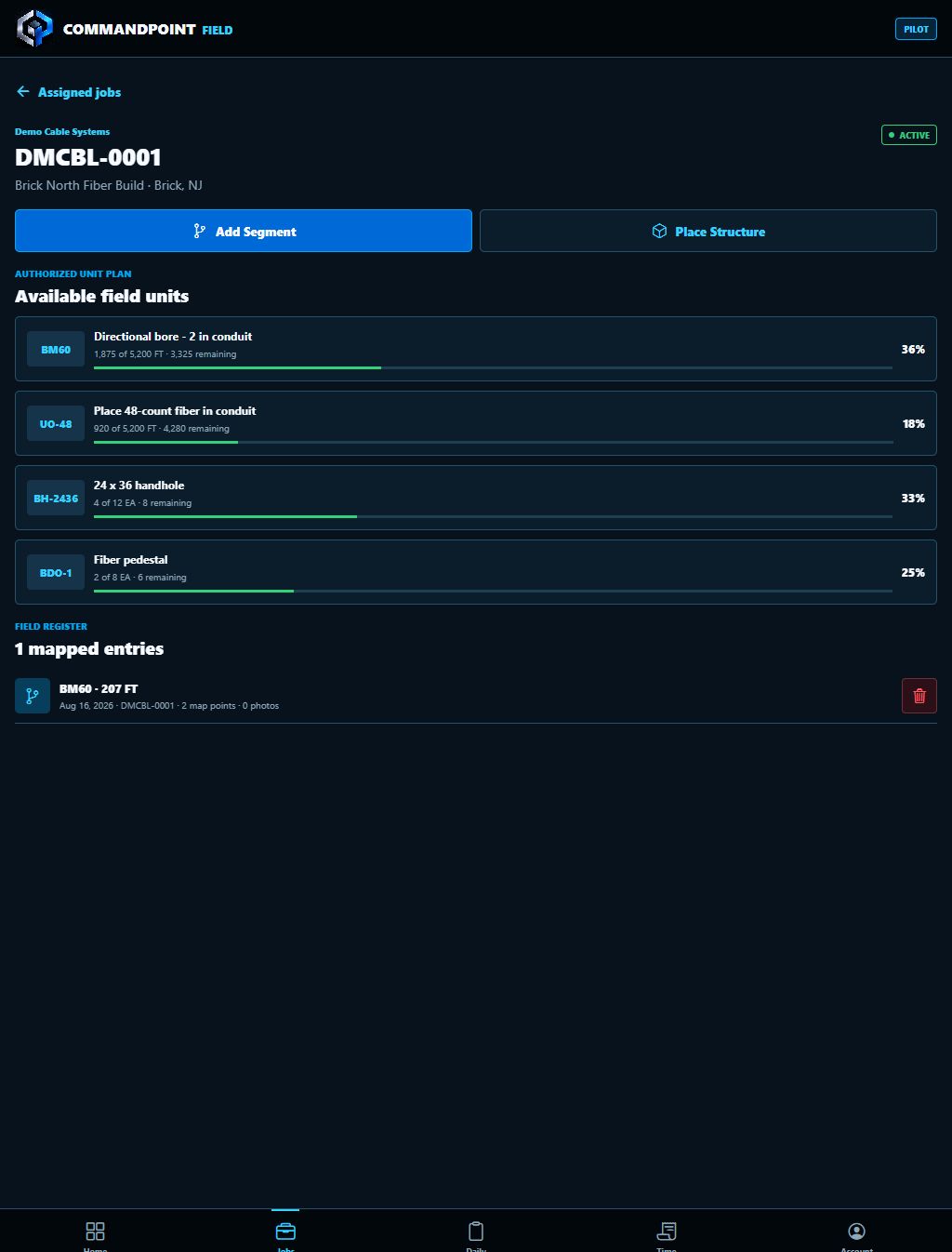
Control the Unit Plan
Production stays inside the authorized project scope.
The assigned job shows available units, installed quantities, remaining quantities, and prior mapped entries so crews can continue a route or add structures without losing the day’s history.
- Bore, fiber, handhole, pedestal, aerial, and other project units
- Installed-versus-remaining progress by unit
- Visible field register for corrections and follow-on work
03
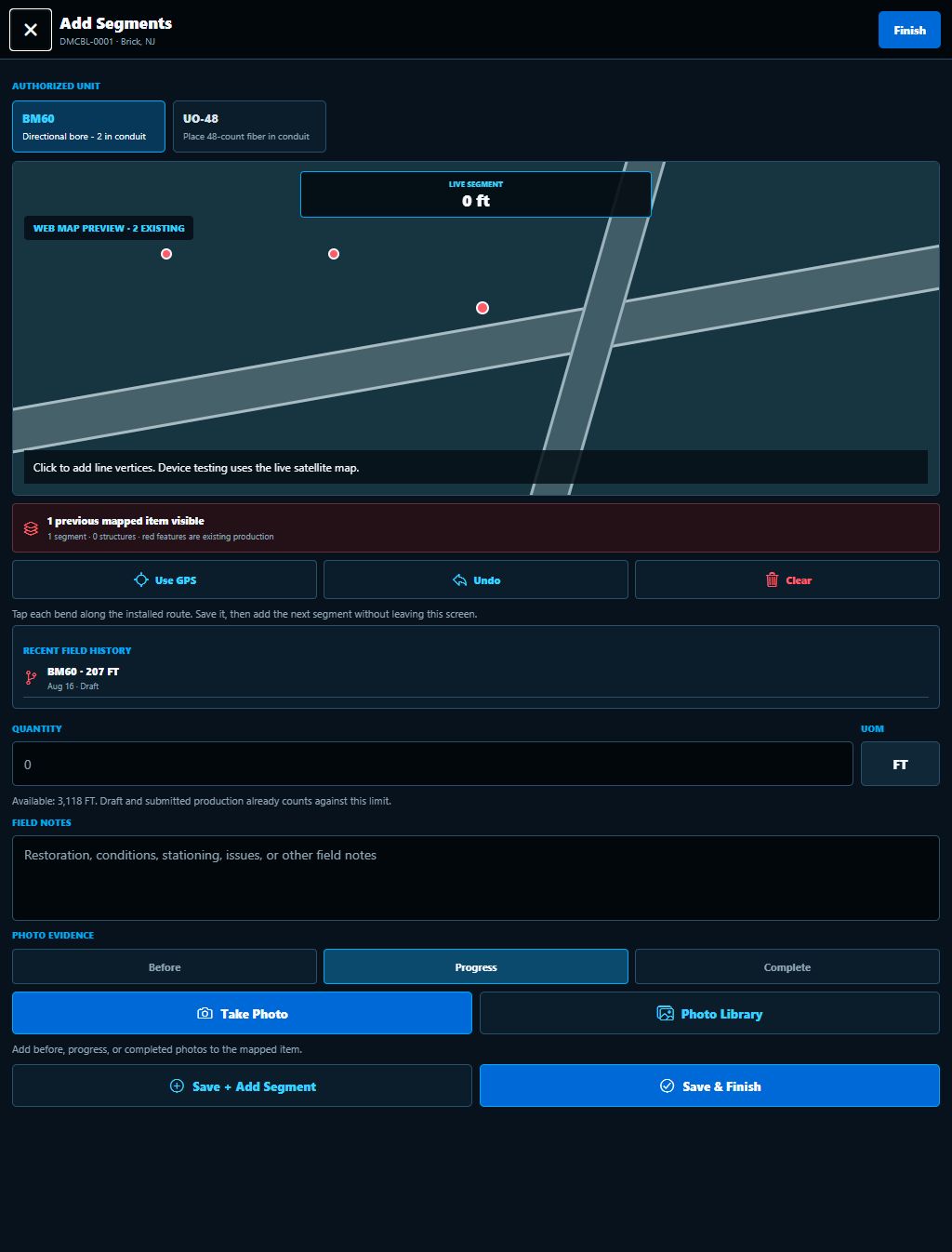
Map and Document Production
One entry carries geometry, quantity, notes, and evidence.
Crews can trace multi-point installed routes, continue from prior work, record the completed quantity, describe field conditions, and add photo evidence before saving or starting the next segment.
- Multi-point route capture with GPS support
- Before, progress, and completion evidence
- Save and continue for efficient end-of-day entry
Back In CommandPoint
Field activity becomes operational intelligence.
Bring The Field Into The System
See CommandPoint Field with your workflow.
We can tailor the walkthrough for internal crews, subcontractors, or a mixed delivery model.